Connect with API Key
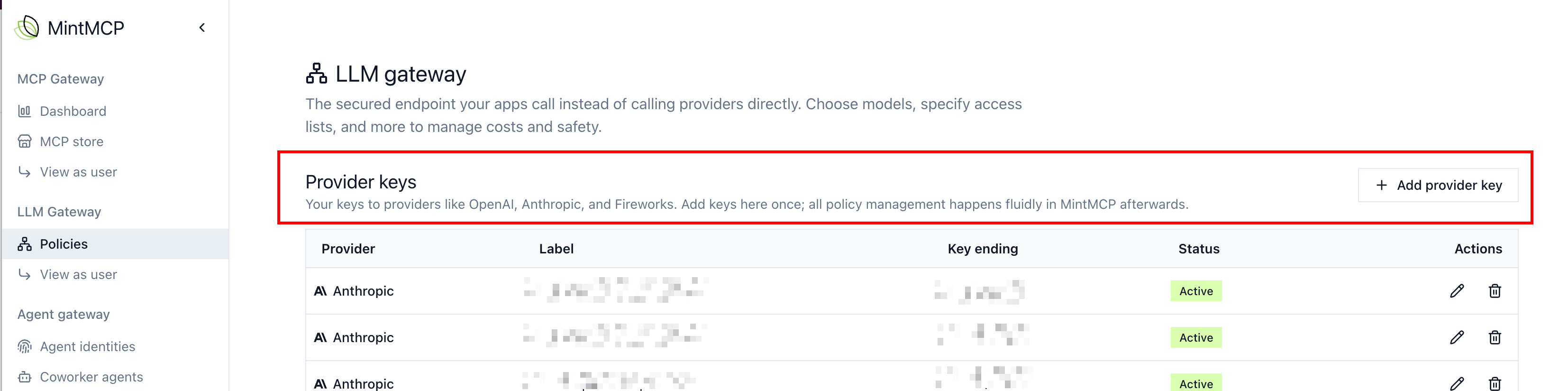
Connect a provider to the LLM gateway by pasting an API key from your provider account.
Connect with workload identity instead when you can. Your provider account trusts Mintive's identity and issues short-lived tokens, so Mintive stores no key and there is nothing to rotate or leak.
Add an API key
-
Go to LLM gateway, then Providers, and choose Add provider.
-
Choose the Provider. If an Authentication field appears, set it to API key.
-
Enter a Credential label, such as
Production OpenAI, so you can recognize the key in policies. -
Paste the API key and choose Register credential. Mintive stores the key encrypted and doesn't show it again.
Use the key in a policy
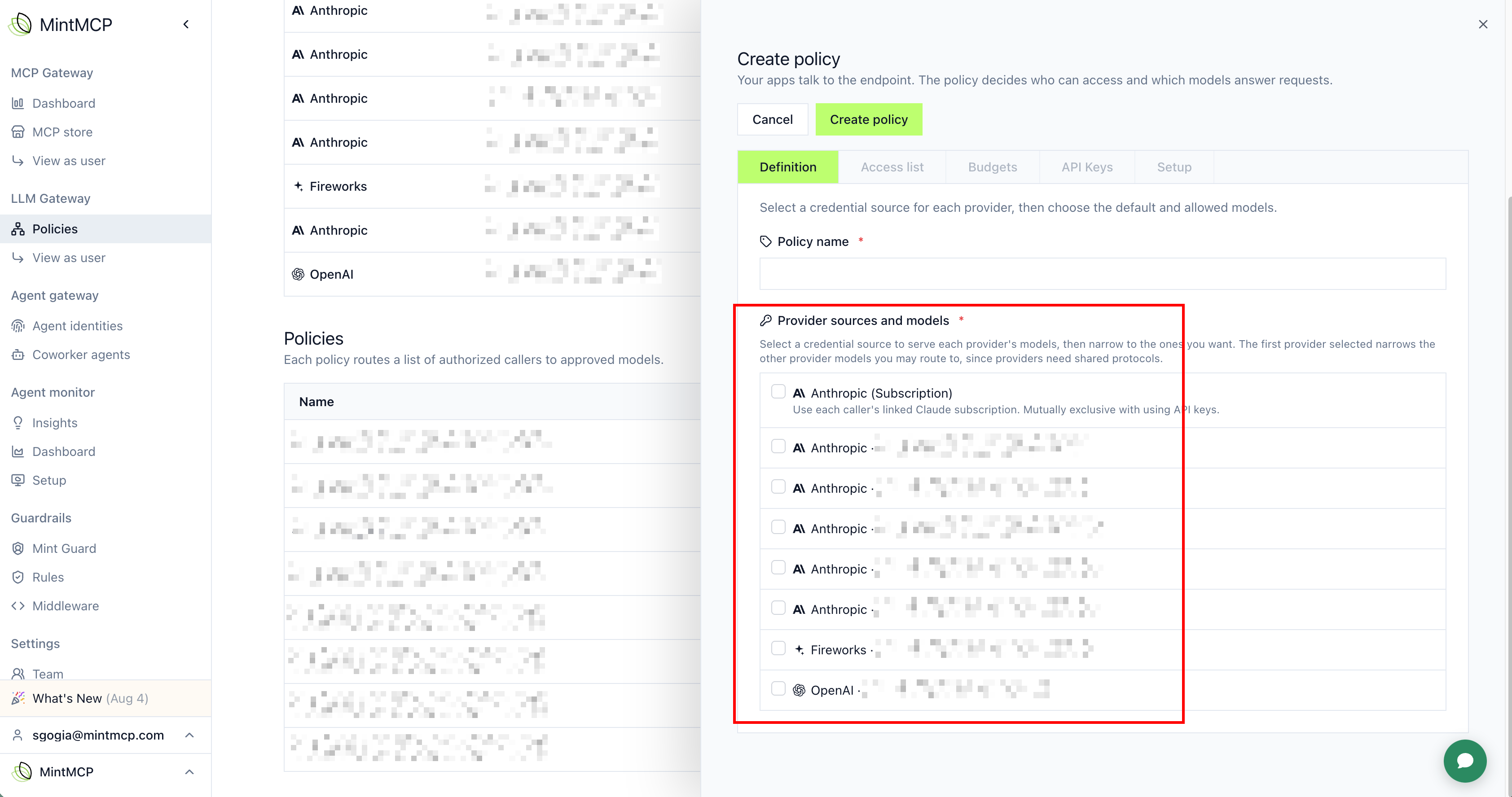
Once a key is connected, select it under Provider sources and models when you create or edit a policy. The same key can back more than one policy, and billing stays centralized at the provider for that key.
Common patterns with API keys:
- One key, many policies. Generate a single API key at the provider, then create multiple policies in Mintive with their own rules on top of it.
- A key per team. Generate an API key per group or team at the provider, then align or layer Mintive policies to match.
Next steps
- Provider and model catalog: find model IDs and prices
- Budgets: cap spend for the policy