Human approval and private MCP tunnels
Require human sign-off on any tool call
Some tool calls, like sending money or deleting data, should never run on an agent's say-so. Set an approval policy on any tool and its calls queue until a person confirms them in the web UI. This holds even when Claude is in auto-approval mode: nothing runs without the sign-off.
No client changes are needed, and every approval is logged. Configure it per tool from the policy settings on any VMCP, so you gate the exact operations you care about instead of the whole server.
Docs: Tool approval
Reach internal MCP servers without a public endpoint
Exposing an internal MCP server to the internet just so a gateway can reach it is a non-starter for most security teams. Private tunnels are available on Enterprise for connecting to MCP servers inside your VPC with no public endpoint.
The tunnel runs through a reverse proxy locked to the gateway. Email founders@mintive.com to get onboarded. See Private network tunnel.
Docs: Private network tunnel
200+ MCP servers, governed from the start
Adopting a new MCP server usually means vetting and wiring up controls for it from scratch. The catalog now includes 200+ MCP servers from Anthropic's official registry, so you can adopt the wider ecosystem with the same governance and controls applied to everything else.
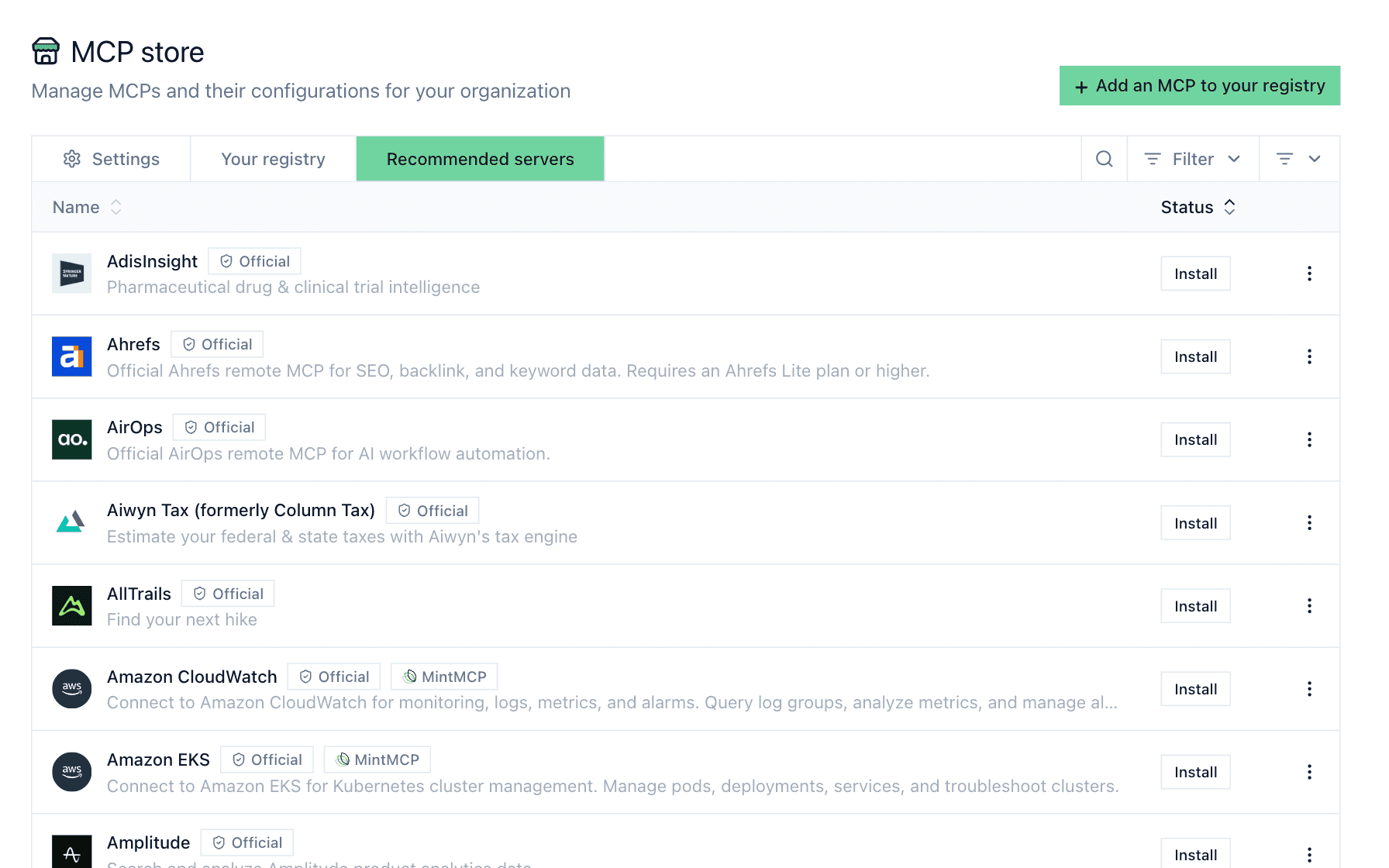
Docs: Add a hosted connector
Also in this release
Signed audit exports
S3 and OTLP log batches are cryptographically signed. Verify them offline through the JWKS endpoint. See Audit and observability.
Middleware templates
Install ready-made middleware from the library: Slack channel allowlist, Google Cloud Model Armor masking, and Teleskope PII/PCI redaction.
Custom auth headers
Connectors support custom Authorization header prefixes.
SIEM export over S3
Stream audit events to your SIEM through S3.
Enterprise API keys
Every key across all your VMCPs now lives on the enterprise settings page, with search and bulk delete.
Google service account auth
Share a service account across Google-hosted connectors (e.g., BigQuery).
Connector headers from AWS Secrets Manager
Pull custom connector header values from Secrets Manager at request time. See Secret providers.